

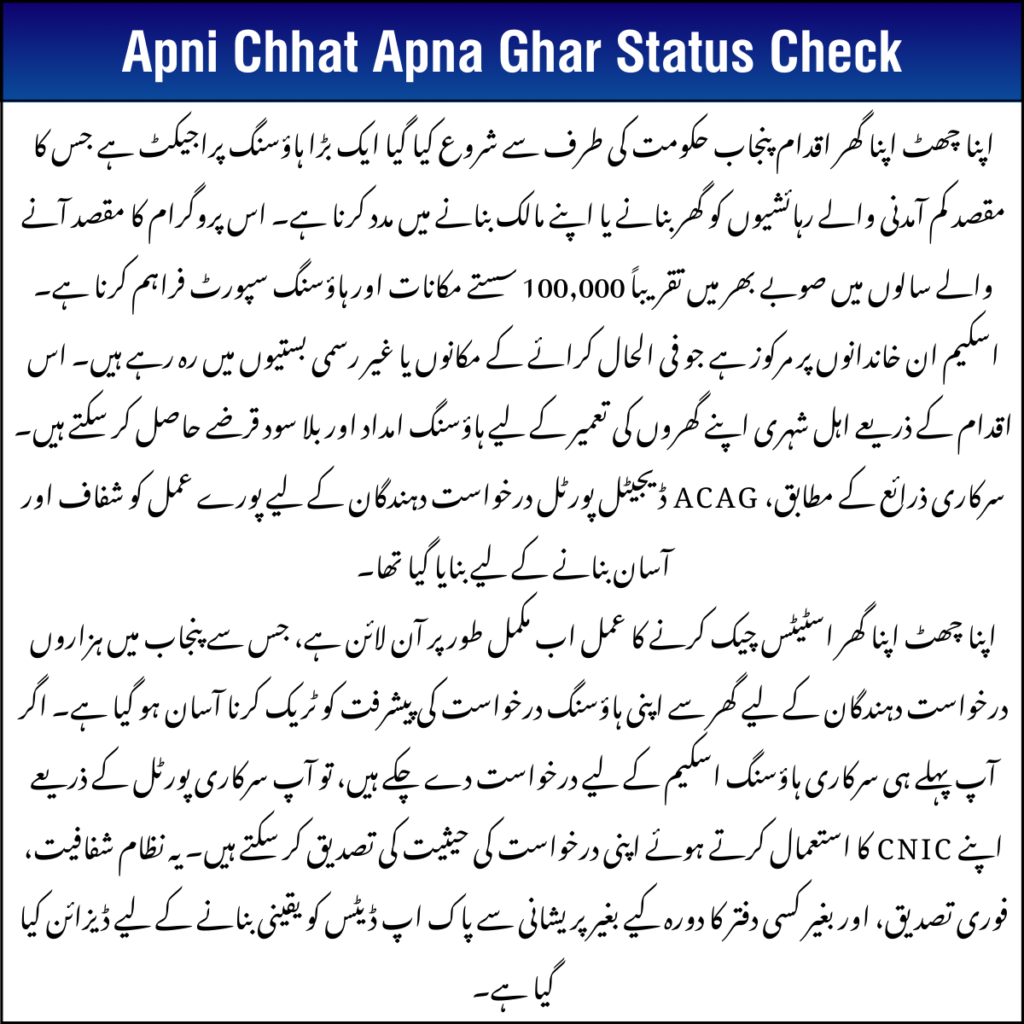
The Apni Chhat Apna Ghar status check 2026 process has been fully digitized, making it easier for applicants across Punjab to track the progress of their housing applications without leaving home. Individuals who have already applied for this government housing initiative can quickly verify their application status by entering their CNIC on the official online portal. This modern system is designed to provide clear updates, quicker verification, and a transparent process—so applicants no longer need to visit government offices or wait in long lines to get information about their application.
Table of Contents
| Detail | Information |
| Program Name | Apni Chhat Apna Ghar Scheme |
| Province | Punjab, Pakistan |
| Official Portal | https://acag.punjab.gov.pk/ |
| Status Check Method | Online login with CNIC |
| Executing Authority | PHATA (Punjab Housing & Town Planning Agency) |
| Target Beneficiaries | Low-income families |
| Support Type | Housing loan & construction support |
What Is the Apni Chhat Apna Ghar Scheme?
The Apni Chhat Apna Ghar initiative is a major housing project launched by the Punjab government to help low-income residents build or own homes. The program aims to provide around 100,000 affordable houses and housing support across the province in the coming years.
The scheme focuses on families currently living in rented houses or informal settlements. Through this initiative, eligible citizens can get housing assistance and interest-free loans to construct their homes.
According to official sources, the ACAG digital portal was created to make the entire process transparent and easy for applicants.
Official Method for Apni Chhat Apna Ghar Status Check
If you have already applied, you must check your application only through the official portal. Government authorities have clarified that third-party apps or websites are not authorized.
- Open the official portal: https://acag.punjab.gov.pk/
- Click on the login option.
- Enter your CNIC number and password.
- Complete the security verification (CAPTCHA).
- Open the My Applications or dashboard section.
- Your application status will appear on the screen.
Understanding Application Status Labels
When you perform the apni chhat apna ghar status check, the system may show different results.
- Submitted – Your form has been successfully saved in the system.
- Under Review / Under Verification – Officials are checking your data and documents.
- Approved – You meet the eligibility requirements.
- Incomplete – Some information or documents are missing.
- Rejected – The application did not qualify for the scheme.
Important Tips Before Apni Chhat Apna Ghar Status Check
Following these tips can help avoid problems.
- Always use the official government portal only.
- Make sure your CNIC number is entered correctly.
- Do not share login details with agents or unknown people.
- Check your dashboard regularly for updates.
- Wait for the official SMS notification after approval.
Basic Eligibility Criteria for Apni Chhat Apna Ghar Status Check
Before checking your status, it is helpful to understand the main eligibility conditions for the program.
- Applicant must be a permanent resident of Punjab.
- CNIC must be valid according to NADRA records.
- Applicant should own a small plot (urban or rural limits).
- Applicant must not be a bank loan defaulter.
- Applicant should be registered in NSER records.
Documents That Help in Verification
If your application shows Under Verification, make sure your documents are complete.
- Copy of valid CNIC.
- Proof of plot ownership.
- Registered mobile number.
- Recent photograph or identification documents.
Incomplete information can delay your application approval.
Helpline & Contact Details
If you face problems while performing the apni chhat apna ghar status check, you can contact the official support team.
- Official Helpline: 0800-09100
- Official Portal: https://acag.punjab.gov.pk/
- Department: Punjab Housing & Town Planning Agency (PHATA)
Conclusion
The apni chhat apna ghar status check system has made it easy for applicants to track their housing application without visiting government offices. By using the official portal and logging in with CNIC, you can quickly see whether your application is pending, under verification, or approved. The digital tracking system introduced by the Punjab government ensures transparency and convenience for thousands of families waiting for housing support.
FAQs
Q. How can I check Apni Chhat Apna Ghar status online?
You can log in to the official portal using your CNIC and password to see your application status in the dashboard.
Q. Is there any mobile app for status checking?
No, according to official guidance, only the government portal should be used to check the application status.
Q. How long does verification usually take?
Verification time can vary depending on document checks and the scrutiny process. Applicants should keep checking their dashboard regularly.
Q. What should I do if my application shows incomplete?
You should log in to the portal, update the missing details, or contact the helpline for assistance.