
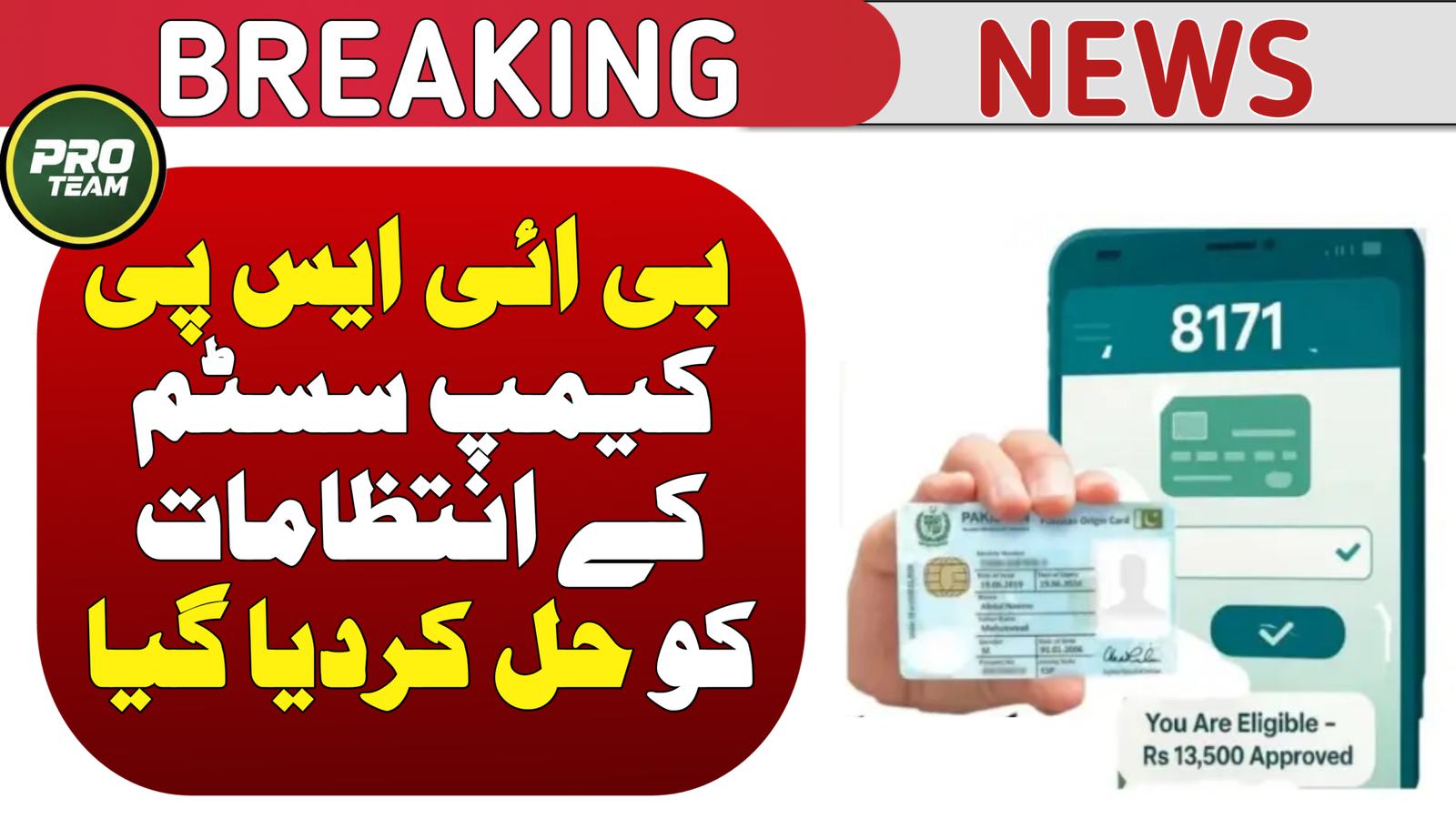
If you want to check your CNIC verification for Ehsaas Ramazan Qist, this is the most important guide for you. Every year before Ramadan payments start, the Government of Pakistan makes sure that all eligible families verify their CNIC so they can receive financial support smoothly. This process helps you know if you are approved for the Ramazan cash or grocery support from the BISP & Ehsaas Program.
Ramazan Qist is a special relief package for low-income households that gives cash support and discounts on basic food supplies during the holy month. But before getting this benefit, you must confirm your identity and eligibility using your CNIC.
Read More: Prime Minister Ramzan Package Registration
Table of Contents
Table: Quick Information
| Eligibility Criteria | Requirement Details |
| Identity Document | Valid Original CNIC |
| Poverty Score | PMT Score below 40 |
| Monthly Income | Less than PKR 50,000 |
| SMS Code | 8171 or 5566 |
| Registration | BISP/Ehsaas Registered |
| Rashan Subsidy | Available at Utility Stores |
| Cash Amount | Varies by Province |
| Verification | Online Web Portal |
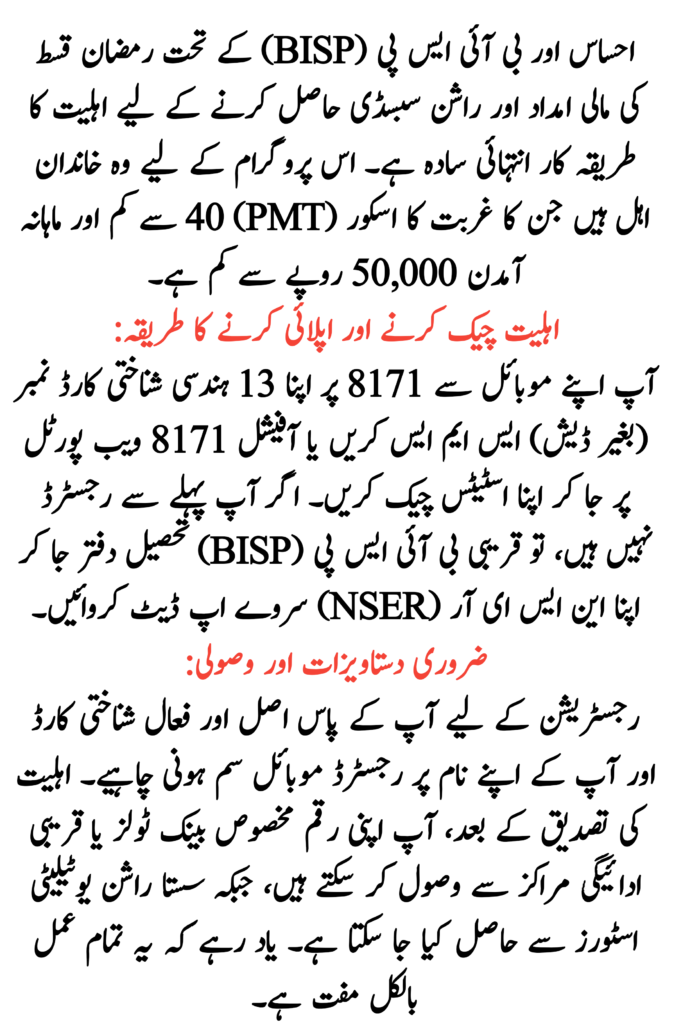
Why is CNIC Verification Ehsaas Ramazan Important?
Before any payment or subsidy is released, the government checks your CNIC to make sure:
- You really need the help
- You are registered correctly
- Your details match NADRA and BISP records
This prevents fraud and ensures help reaches the right people.
Read More: Apply Online for Punjab E-Taxi Scheme
CNIC Verification for Ehsaas Ramazan Methods
Here is how you can check your CNIC for Ehsaas Ramazan Qist:
SMS Verification (Fast & Simple)
- Open SMS on your phone
- Type your 13-digit CNIC number (without dashes)
- Send it to 8171
- Wait for reply
You will receive a message saying:
Eligible / Not Eligible / Under Review.
This SMS method works even if you don’t have the internet. Just make sure your phone number is registered against your CNIC.
Online CNIC Check on Web Portal
- Open your phone or computer browser
- Visit the official 8171 Web Portal
- Enter your CNIC number
- Type the captcha
- Click Check Status
You will immediately see your eligibility result.
Read More: Punjab Pension News
Required Documents for the Ehsaas Ramazan
| Required Items | Why You Need It |
| Original CNIC | To verify correct identity |
| Mobile number linked to CNIC | Needed for SMS reply |
| Updated NSER survey (if new) | Shows household info |
| Internet or SMS credit | For online or message check |
Make sure your CNIC is valid and not expired, and you have the SIM registered on that CNIC. Otherwise, verification can fail.
What Happens After You Check Your CNIC?
Once you send your CNIC and the system verifies your data:
- If approved, you get an SMS
- You can collect your payment from the assigned point
- You might also receive grocery subsidies or cash support
- The exact amount and place will be shared in the SMS reply.
Common Problems & Simple Fixes
- No SMS reply? Wait 24-48 hours and recheck.
- “Not Eligible” shows? Visit your nearest BISP office to update info.
- Verification fails? Make sure your SIM is registered with your CNIC.
Updating your data often fixes this problem.
Read More: Check Eligibility via pmrrp.nitb.gov.pk
FAQs
Q. Is CNIC verification free?
Yes, CNIC checking for Ehsaas Ramazan Qist is 100% free. There is no charge from the government.
Q. Can I check without the internet?
Yes! Just send your CNIC to 8171 from any phone and get the result.
Q. What do I do if CNIC shows “Not Eligible”?
Visit the nearest BISP or Ehsaas center to update your details and reapply if needed.
Q. How long does verification take?
SMS reply usually comes instantly, but portal verification may take a few minutes.
Q. Can I collect the money after verification?
Yes, once your CNIC is approved, just go to the assigned collection outlet.