
Knowing the common mistakes during Nigehban online registration and understanding how to avoid them can protect your application, guaranteeing you receive your Rs. 10,000 cash support along with ration benefits this Ramzan. This guide is based on official government directives and provides step-by-step instructions to help applicants complete their forms correctly and steer clear of typical mistakes.
Table of Contents
| Common Error | Why It Causes Problems |
| CNIC with dashes | System cannot read format |
| SIM not linked to CNIC | OTP won’t be received |
| Wrong income entered | Eligibility may be rejected |
| Incomplete PSER data | Application shows pending |
| Duplicate applications | Multiple forms blocked |
| Outdated family info | NADRA mismatch errors |
| Wrong address/UC | Field verification fails |
| Using fake sites | Risk of scams and data loss |
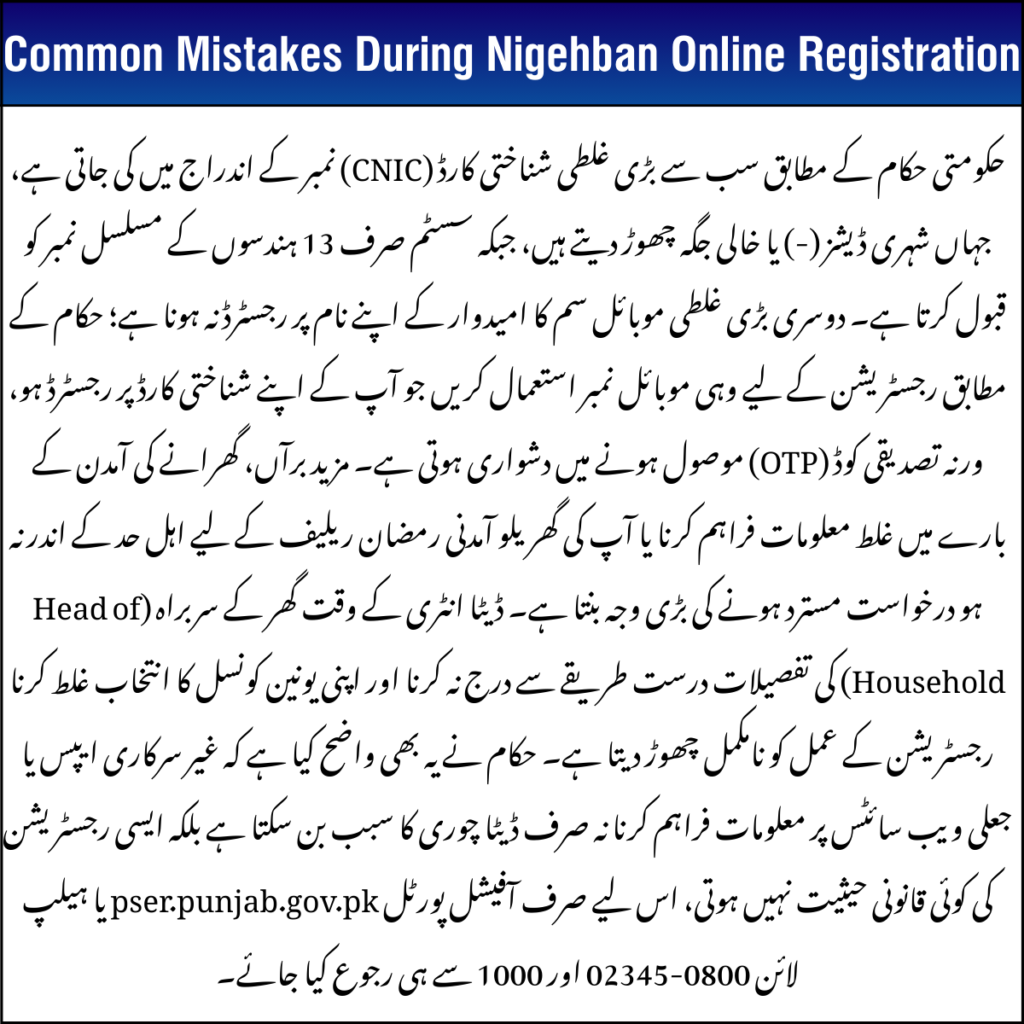
Mistakes During Nigehban Online Registration: CNIC Entered With Dashes or Spaces
One of the most common errors is inputting your CNIC with or spaces.
Correct way: Use all 13 digits without any dashes or spaces in SMS to 8070 or on the PSER portal.
This is a strict requirement and mistakes here will block eligibility checks.
Mistakes During Nigehban Online Registration: Mobile Number Not Registered on Your CNIC
Your mobile number must exactly match the one linked to your CNIC in NADRA records.
- If your SIM is under another person’s name, the OTP verification and SMS eligibility check to 8070 will fail.
- This stops you from progressing in the registration.
Important: Always update your mobile number with NADRA or change the SIM ownership before applying.
Mistakes During Nigehban Online Registration: Incorrect or Inaccurate Income Information
Your household income must fall within the eligible range for the Ramzan relief (typically low income). If you enter wrong income or it doesn’t match PSER/SER records:
- Your application may be flagged “ineligible” during automatic checks.
- Some people are rejected for having conflicting PSER data that does not reflect true financial status.
Tip: Ensure your PSER (Punjab Socio-Economic Registry) income details are up to date before registration.
Mistake: Family & Head of Household Details Don’t Match NADRA Records
The system checks family relationships through NADRA records. Errors here (e.g., other names listed as Head of Household) will cause your registration to be delayed or rejected.
Make sure that:
- All family members are correctly listed.
- The “Head of Family” matches NADRA’s record.
- Spelling is exact.
Mistake: Wrong District or Union Council (UC) Selection
Choosing the wrong district, tehsil, or Union Council will cause field teams to fail verification.
Follow These Steps Carefully:
- Choose your district.
- Select the correct tehsil.
- Enter the exact Union Council number.
- Match it with your current address.
- Recheck before clicking submit.
Mistake: Trusting Third-Party Apps or Fake Websites
The only official way to register or check status is through:
- https://pser.punjab.gov.pk (official PSER portal)
- SMS your 13-digit CNIC (no dashes) to 8070 for eligibility.
Avoid:
- Unofficial apps
- Social media links
- Paid agents
- Fake websites
These can steal your data and may charge fees for something that is 100% free via official channels.
Helpline & Contact Information
If your application shows pending, incomplete, or ineligible, you can get help using official support:
📞 Toll-Free Helpline: 0800-02345 (Punjab Govt support)
📱 SMS Eligibility: Send your 13-digit CNIC to 8070
🆘 PSER Support Centers: Visit local registration desks
These helplines help with PSER survey updates, verification issues, and application errors.
Conclusion
Most Common Mistakes During Nigehban Online Registration—such as wrong CNIC formatting, unregistered SIM, incorrect income data, NADRA mismatches, and wrong Union Council—are avoidable if you double-check before submission. Always use the official portal and do not fall for fake websites or paid helpers. By following the correct steps and official guidance, you can improve your chances of approval and receive your Ramzan relief smoothly.
FAQs
Q. What happens if I enter my CNIC with dashes?
Your application will not be processed. Use all 13 digits with no dashes or spaces.
Q. How can I check my Nigehban status?
Send your 13-digit CNIC to 8070 or check online at the official PSER portal.
Q. Can I use any mobile number for OTP?
No. Only use the mobile number registered on your NADRA-linked CNIC.
Q. Is there any fee for Nigehban registration?
No. Registration and relief are free. Beware of anyone asking for payment.